Why Small Businesses Need Multi-Factor Authentication
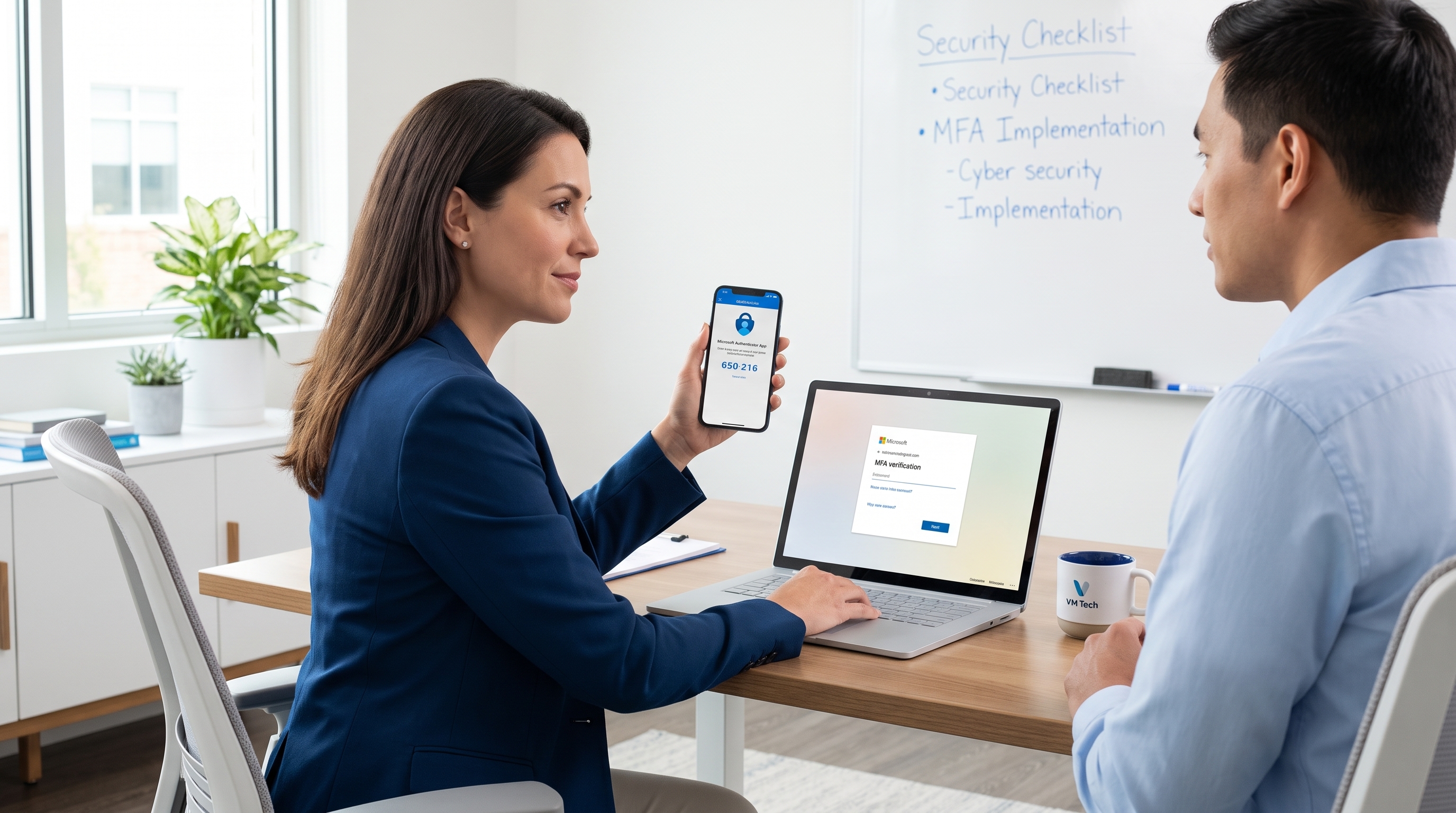
For many small businesses, cybersecurity still starts with a password. The problem is that passwords are now one of the easiest doors for criminals to open. Employees reuse them, phishing emails steal them, and leaked credentials from one website can be tested against Microsoft 365, banking portals, payroll systems, and cloud applications within minutes.
That is why small businesses need multi-factor authentication. MFA adds a second proof of identity before someone can access an account. It is one of the most practical, affordable, and effective ways to reduce the risk of email compromise, ransomware, data theft, and business disruption.
For businesses across Southern California, from Chino and Rancho Cucamonga to Orange County, Los Angeles County, Riverside, and the Inland Empire, MFA is no longer just an enterprise security tool. It is a basic safeguard for any organization that uses email, cloud apps, remote access, or online financial systems.
Passwords alone are no longer enough
A password is only useful if it stays secret. In real life, that is hard to guarantee.
Small businesses deal with the same threats as larger companies, but often with fewer internal resources. A busy office manager may receive a fake Microsoft 365 login page. A bookkeeper may reuse a password across several websites. A vendor portal may be breached and expose credentials. An executive may approve a login prompt without realizing the account was being targeted.
Attackers know this. They do not need to “hack” a server if they can simply log in as a real user. Once they access an email account, they may search for invoices, wire transfer conversations, payroll details, client files, tax documents, or passwords stored in old messages.
This is especially risky for accounting firms, legal offices, manufacturers, nonprofits, unions, and professional services companies that handle confidential information. A compromised mailbox can quickly become a business problem, not just an IT problem.
The Verizon Data Breach Investigations Report has consistently shown that stolen credentials and human factors play a major role in breaches. MFA helps address both by making a stolen password much less useful on its own.
What multi-factor authentication actually does
Multi-factor authentication requires users to verify their identity with more than one factor. In plain English, it means someone needs more than just a password to sign in.
The three common categories are:
- Something you know: A password or PIN.
- Something you have: A mobile authenticator app, hardware security key, or trusted device.
- Something you are: A fingerprint, facial recognition, or another biometric method.
For example, an employee signs in to Microsoft 365 with a password and then approves a prompt in an authenticator app. If a criminal steals that password through phishing, they still cannot access the account unless they also pass the second step.
Not all MFA methods are equal. Text message codes are better than no MFA, but they are more vulnerable to SIM swapping and interception. Authenticator apps, number matching, passkeys, and security keys are generally stronger options. For higher-risk accounts, such as owners, executives, accounting staff, and administrators, stronger MFA is worth prioritizing.
MFA method             | Best use case                                           | Security strength
SMS text code          | Basic protection when better options are not available  | Better than password-only, but limited
Authenticator app      | Everyday business logins such as Microsoft 365          | Strong for most users
Number matching prompt | Reduces accidental approval of fake login attempts      | Stronger than simple push approval
Hardware security key  | Executives, finance teams, IT admins, sensitive systems | Very strong
Passkey | Modern passwordless access where supported | Very strong and user-friendly Why MFA matters so much for small businesses
The biggest benefit of MFA is simple: it reduces the chance that a stolen password turns into a breach. Microsoft has reported that enabling MFA can make accounts more than 99.9 percent less likely to be compromised. While no single control guarantees complete protection, that is a powerful risk reduction for a relatively small effort.
For business owners and decision-makers, the value of MFA shows up in several practical ways.
First, MFA protects email. Business email compromise is one of the most common and costly attacks on small organizations. If attackers gain access to an executive or accounting mailbox, they may send fake payment instructions, intercept invoices, or impersonate trusted employees.
Second, MFA supports remote and hybrid work. Employees in Southern California may sign in from the office, home, client sites, warehouses, courtrooms, or while traveling between locations. MFA helps confirm that the person logging in is legitimate, even when they are outside your office network.
Third, MFA helps protect Microsoft 365, SharePoint, Teams, cloud storage, payroll systems, banking portals, CRM platforms, and industry-specific applications. These tools often contain the information that keeps your business running.
Fourth, MFA can support insurance and compliance expectations. Many cyber insurance applications now ask whether MFA is enabled for email, remote access, administrator accounts, and privileged systems. Some carriers may require it before offering coverage or favorable terms.
Finally, MFA reduces downtime risk. A compromised account can lead to password resets, fraud investigations, locked systems, legal concerns, client notifications, and lost productivity. Preventing the incident is almost always less expensive than recovering from it.
Where small businesses should enable MFA first
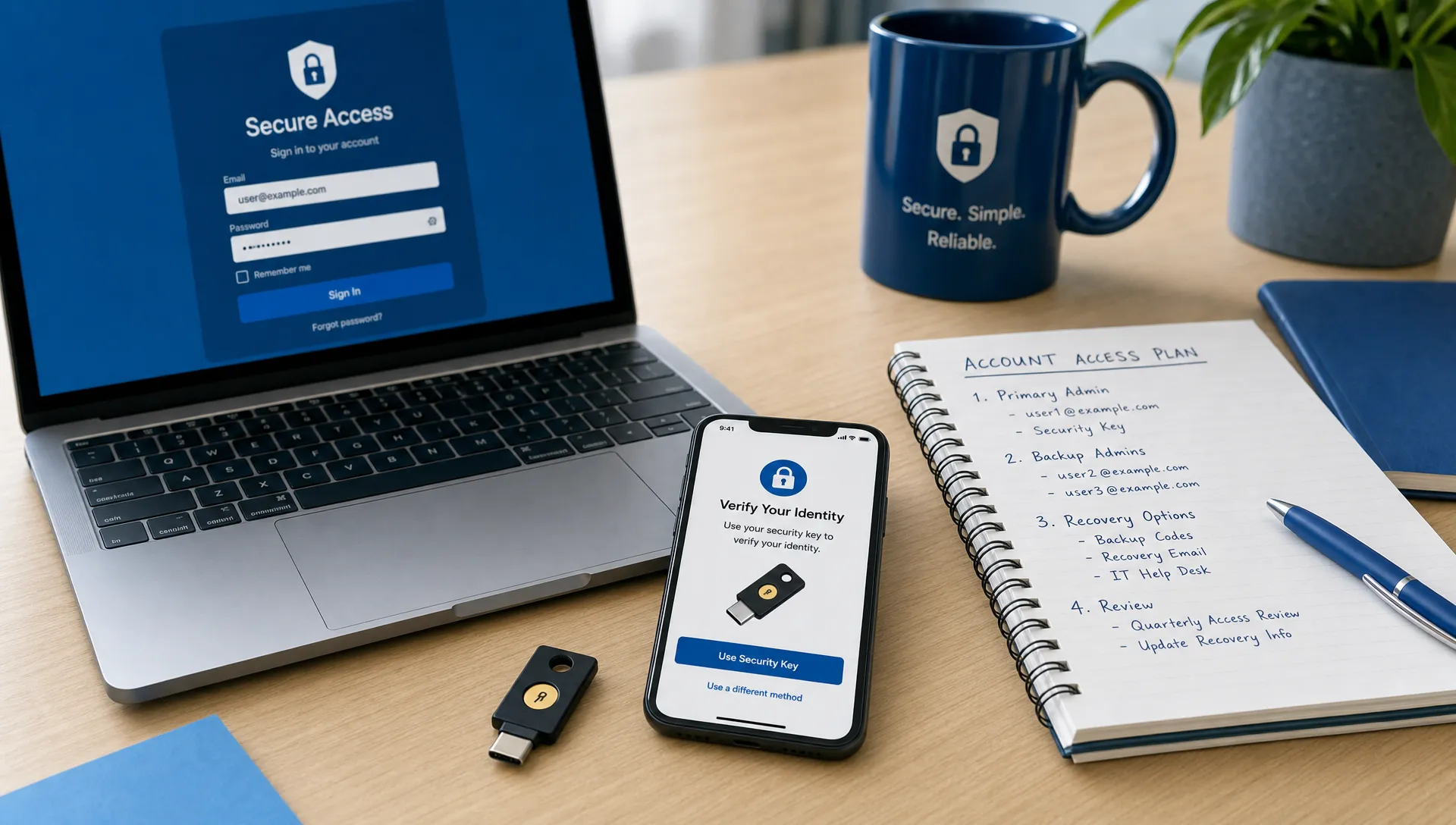
If your business has not fully rolled out multi-factor authentication yet, start with the accounts that create the most risk. You do not have to fix everything in one afternoon, but you do need a clear plan.
The first priority should be administrator accounts. These accounts can create users, reset passwords, access data, and change security settings. If an attacker compromises an admin account, the damage can be severe.
Next, enable MFA for owners, executives, finance staff, HR, and anyone who handles payments, payroll, legal documents, client records, or sensitive business information. These users are common targets because their accounts can be used for fraud or data access.
After that, expand MFA to all employees using Microsoft 365, remote access, VPN, cloud applications, and line-of-business systems. A receptionist’s mailbox may seem low risk, but attackers often use ordinary accounts as a starting point for broader attacks.
For companies using Microsoft 365, Microsoft Entra ID can help manage access rules and MFA policies. Conditional Access can also help create practical rules, such as requiring MFA when users sign in from unfamiliar locations or unmanaged devices. These tools should be configured carefully so they improve security without blocking legitimate work.
Businesses with multiple sites, such as offices in Ontario, Brea, Fullerton, Corona, San Dimas, or City of Industry, should also review how shared workstations, warehouse devices, and mobile employees sign in. MFA should fit the way the business actually operates.
How to roll out MFA without frustrating your team
A successful MFA rollout is not just a technical change. It is also a communication and training project. Employees are more likely to cooperate when they understand why the change matters and what to expect.
Start by explaining the business reason in simple terms: passwords can be stolen, and MFA helps prevent unauthorized access to email, files, payroll, and customer information. Avoid fear-based messaging. Focus on protecting the company, clients, and employees.
Then choose the right MFA methods. For most small businesses, an authenticator app is a strong starting point. For executives, finance teams, and administrators, consider stronger options such as hardware security keys or phishing-resistant authentication where practical. The Cybersecurity and Infrastructure Security Agency recommends phishing-resistant MFA for stronger protection, especially for high-value accounts.
Before rollout, prepare for common situations. What happens if an employee gets a new phone? Who can reset MFA? How will you verify a user’s identity before resetting access? What is the backup process if someone is traveling or working after hours?
This is where many small businesses benefit from IT Consulting and Managed IT Services. A well-planned rollout should include account review, policy setup, user communication, support during enrollment, and documentation for future changes.
It is also important to connect MFA with your broader cybersecurity plan. MFA works best alongside endpoint protection, secure Microsoft 365 settings, Backup & Disaster Recovery, Server & Network Management, Cloud Services, and employee awareness training. It is a major layer of defense, but it should not be the only layer.
Common MFA mistakes to avoid
MFA is effective, but it needs to be set up thoughtfully. One common mistake is protecting regular users while leaving admin accounts exposed. Another is allowing too many exceptions because a few users find MFA inconvenient.
A third mistake is relying only on simple push notifications. If users receive repeated prompts, they may approve one just to make it stop. Number matching and better user training can reduce this risk.
Businesses should also avoid shared accounts whenever possible. If multiple people use the same login, MFA becomes harder to manage and accountability disappears. Each user should have their own account with the right level of access.
Finally, do not “set it and forget it.” Review MFA policies regularly, especially when employees leave, roles change, locations are added, or new cloud applications are adopted. Access control should evolve with the business.
Frequently Asked Questions
Is MFA really necessary for a small business? Yes. Small businesses are frequent targets because attackers know they often have valuable data but limited security resources. MFA is one of the most effective ways to reduce account takeover risk.
Will MFA slow down employees? It may add a few seconds to some sign-ins, but well-configured MFA should not disrupt normal work. Many systems remember trusted devices or apply MFA based on risk, depending on your setup.
Is text message MFA good enough? Text message codes are better than using only a password, but authenticator apps, passkeys, number matching, and hardware security keys are stronger. High-risk users should use stronger methods when possible.
Should MFA be enabled for Microsoft 365? Yes. Microsoft 365 often contains email, files, Teams messages, SharePoint documents, calendars, and business contacts. Protecting it with MFA should be a priority for most small businesses.
What if an employee loses their phone? Your business should have a documented recovery process. This should include identity verification, backup authentication methods, and clear rules for resetting MFA safely.
Can VM Tech help with MFA planning and setup? Yes. VM Tech helps small and medium-sized businesses with cybersecurity, Microsoft 365, Microsoft Entra ID, Managed IT Services, and practical security planning.
Take the next step toward stronger account security
Multi-factor authentication is not just an IT upgrade. It is a business safeguard that protects your people, data, finances, and reputation.
If your Southern California business is unsure whether MFA is properly configured, or if you need help rolling it out without disrupting your team, contact VM Tech for a practical consultation. We will help you understand your risks, prioritize the right accounts, and build a security approach that fits the way your business works.