When Outsourced IT Services Make Sense for a Growing Business
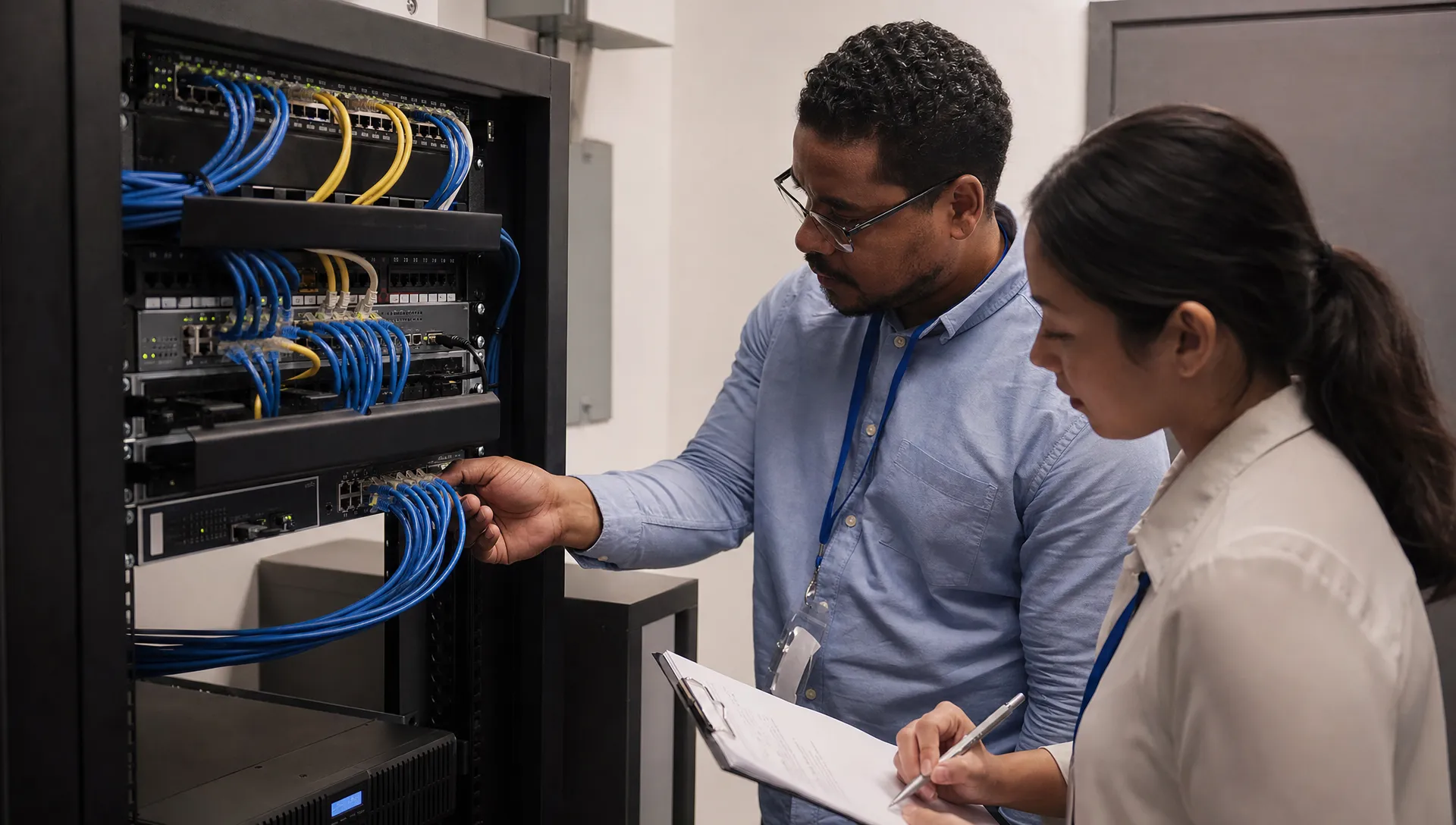
Growth has a way of exposing technology gaps. A few laptops, a shared drive and help from a tech savvy employee may work at first. But once your team adds locations, clients, compliance needs or remote staff, outsourced IT services can become the difference between steady operations and constant interruptions.
The decision is not only about company size. It is about risk, reliability and whether technology is helping your people do their jobs or slowing them down. For many small and medium sized businesses, the right time to get outside support is before IT problems become expensive emergencies.
When outsourced IT services make sense
Most business owners start considering outside IT help after a frustrating pattern appears. The printer issue gets fixed, then email goes down. A laptop is replaced, then a cloud account locks someone out during a deadline. None of these problems may look dramatic on their own, but together they drain time and focus.
Technology problems are pulling people away from their jobs
If your office manager, controller or operations lead has become the unofficial technology person, that is usually a warning sign. They may be capable and helpful, but they were hired to run the business, not troubleshoot password resets, WiFi problems, software updates and vendor tickets.
At that point, outsourced IT services are less about convenience and more about protecting productivity. A professional support model gives employees a clear place to go for help, while leadership gets fewer interruptions and better visibility into recurring issues.
If your company is dealing with repeated downtime or reactive fixes, VM Tech has also written about the signs that a business has outgrown reactive IT support.
Security expectations are getting more serious
Cybersecurity used to feel like a large company concern. Today, even a small accounting firm, manufacturer, nonprofit, union office or legal practice may need stronger protection because clients, insurers and regulators expect it.
Growing businesses often need help with multifactor authentication, Microsoft 365 security settings, device protection, secure backups and employee access controls. These are not one time projects. They need regular review, maintenance and follow through.
Growth has made costs harder to predict
Breakdowns are expensive because they arrive without warning. A failed server, data loss incident or email compromise can create direct repair costs plus lost time, missed deadlines and frustrated clients.
A managed approach helps turn technology into a planned operating expense. Instead of waiting for something to fail, your business can budget for ongoing support, maintenance, security improvements and future projects.
What a reliable outside IT partner can handle
The scope of outsourced IT services can vary, so it helps to think in practical business terms rather than technical categories. A good provider should help keep your people productive, your systems secure and your leadership informed.
For many companies, this includes day to day employee support, Microsoft 365 administration, workstation setup, server and network management, cloud solutions, cybersecurity, backup planning, vendor coordination and strategic IT guidance. The exact mix should match how your business operates.
Daily support and user requests
Daily support is often the most visible part of an IT relationship. Employees need fast help when they cannot sign in, access files, connect to a printer, use email or join a meeting. These issues may seem small, but they directly affect productivity and morale.
A dependable provider should also document systems, standardize common processes and reduce repeat problems over time. The goal is not just to answer tickets. The goal is to make the workday smoother.
Security, backups and planning
Support is only one part of the equation. Businesses also need protection from data loss, account compromise, hardware failure and poor technology decisions. That includes reliable backups, disaster recovery planning, access reviews and regular maintenance.
VM Tech provides managed IT services, cybersecurity, Microsoft 365 support, cloud solutions, server and network management, backup and disaster recovery, IT consulting and technology projects for small and medium sized businesses throughout Southern California.

Fully outsourced support or a shared support model
For some companies, outsourced IT services mean the provider handles nearly all day to day technology needs. For others, the provider works alongside an internal employee or small internal team. Both models can make sense, depending on your size, complexity and staffing.
When full outsourcing fits
Full outsourcing often works well for businesses that do not have an internal IT employee and do not want to hire one. This is common for growing offices, professional services firms, nonprofits and manufacturers where technology is essential, but not the core business.
In this model, the provider becomes the primary point of contact for support, maintenance, security and planning. Business leadership still makes the decisions, but they do not need to manage every technical detail.
When shared support fits
A shared model can work well when you already have someone handling IT, but that person needs support, backup or specialized expertise. For example, an internal employee may know your systems well, but need help with cybersecurity, cloud migrations, backup strategy or larger projects.
VM Tech explains this approach in more detail in its guide to a shared IT support model.
How to decide if the timing is right
The best time to evaluate outsourced IT services is when you can still make thoughtful decisions, not during a crisis. If your business is growing, opening new locations, hiring more staff or relying more heavily on cloud systems, waiting can make the transition harder.
Focus on business risk first
Start with the areas where technology failure would hurt the most. That might be customer service, billing, production, case management, payroll, financial reporting or access to shared files. If one system going down would stop work for several people, it deserves professional attention.
Ask practical questions such as these:
- How much time do employees lose each month to technology problems?
- Who is responsible when a security alert, outage or backup failure happens?
- Are important systems documented well enough for someone new to support them?
- Could the business operate if email, files or a key application were unavailable tomorrow?
- Are technology costs planned, or do they appear as surprise expenses?
Plan for the next stage, not the last one
A common mistake is choosing IT support based only on today’s problems. A better approach is to think about the next 12 to 24 months. Will you add employees, move offices, adopt new software, expand remote work or face new client requirements?
Your IT model should support where the business is going. That may mean improving Microsoft 365 management, replacing aging equipment, strengthening backups or creating a practical technology roadmap.
What to look for in a provider
Choosing outsourced IT services should feel like selecting a long term business partner, not just a vendor. You are trusting someone with systems that affect your employees, clients, finances and reputation.
Look for clear communication, transparent scope, practical security guidance and a support process your employees can actually use. Ask how onboarding works, how issues are prioritized, how backups are monitored and how often your environment will be reviewed.
Local accountability also matters for many Southern California businesses. VM Tech is based in the United States, with no outsourced help desk or overseas support. That helps create a more direct relationship when your team needs help, planning or honest guidance.
If you are comparing options, this list of questions to ask before hiring a managed IT provider can help you evaluate support quality before you commit.
A practical example from a growing office
Imagine a 35 person accounting firm that started with basic computer support from a local technician. As the firm grows, employees rely more heavily on Microsoft 365, secure file sharing, remote access and document management. Client data must be protected, and deadlines leave little room for downtime.
In that situation, outsourced IT services can help the firm move from reactive fixes to a more organized model. Support requests go through a clear process. Security settings are reviewed. Backups are tested. Aging equipment is planned for instead of replaced in a panic. Leadership gets guidance before technology decisions become urgent.
The same pattern applies to many growing organizations. A manufacturer may need stable networks and reliable warehouse systems. A nonprofit may need secure cloud access and predictable costs. A legal office may need better protection for confidential client files. The details change, but the business need is the same: dependable technology that does not distract from the mission.
Frequently Asked Questions
Are outsourced IT services only for large companies? No. Many small and medium sized businesses use outside IT support because they need reliable help, stronger security and better planning without hiring a full internal department.
How do I know if my business is ready for outside IT support? If employees are losing time to repeated issues, technology costs feel unpredictable, security responsibilities are unclear or growth is making systems harder to manage, it is time to evaluate your options.
Can an outside provider work with our current internal IT person? Yes. A shared support model can give your internal person extra capacity, project help and specialized expertise while keeping their knowledge of the business in place.
What should we prepare before switching IT support? Gather basic details about users, devices, software, vendors, internet service, cloud accounts and current pain points. Good preparation makes onboarding smoother and helps the provider identify risk sooner.
Talk with VM Tech about the right IT model
If you are considering outsourced IT services for a growing business in Southern California, VM Tech can help you evaluate what level of support makes sense. Our focus is practical, responsive and security minded IT support that helps businesses reduce downtime and plan with confidence.
You can start a conversation with VM Tech when you are ready to review your current IT setup and discuss a better path forward.