What Is an IT Service Desk and What Should Employees Expect?
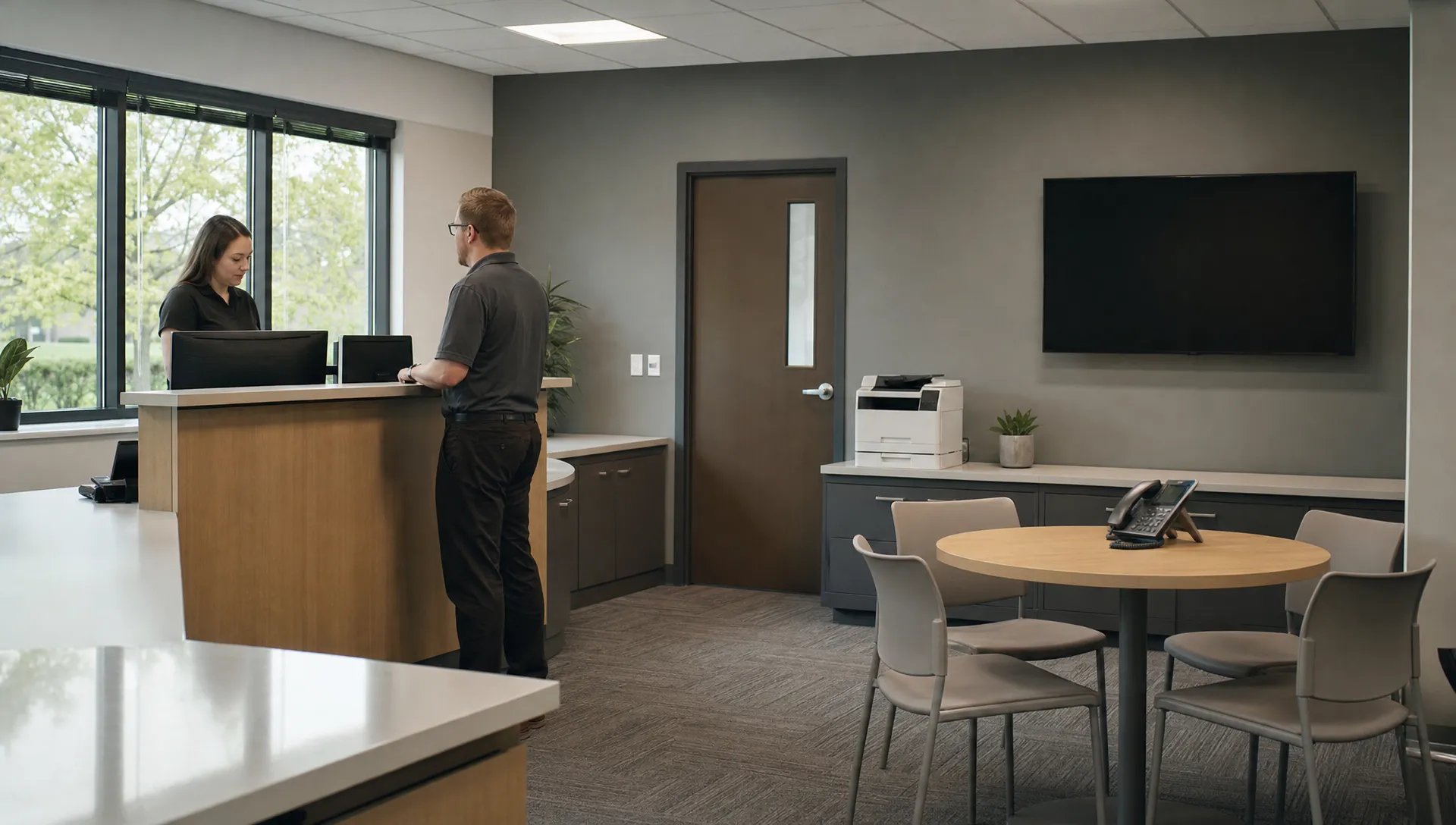
An IT service desk is the main point of contact employees use when technology stops working or they need an approved technology service. That might mean reporting an email outage, requesting access to accounting software or getting a laptop ready for a new hire. For business owners, the value goes beyond fixing individual problems. A dependable support process gives employees clear instructions, keeps requests from getting lost and helps management understand where technology is disrupting work.
A single place for technology help
Employees should not have to guess which technician handles their problem. A service desk provides a defined way to ask for help, records the request and coordinates the people needed to resolve it.
Most requests fall into two categories. An incident is an unexpected interruption, such as a computer that cannot connect to the company network. A service request asks for something new or routine, such as an approved software installation or access to a shared folder.
The distinction matters because the workflows differ. An outage needs investigation and restoration. A request for financial system access may require a manager’s approval before anyone changes permissions.
This work sits within IT service management, the broader discipline of planning, delivering and improving technology services. ITIL is one framework organizations can use to organize those practices. Employees do not need to learn that terminology. They need a support process that is understandable and dependable.
IT service desk vs. help desk vs. managed IT
These terms overlap, especially in smaller businesses. The name alone does not tell you what support includes.
A help desk commonly focuses on troubleshooting and restoring normal operation. A service desk usually takes a broader view, coordinating incidents, routine requests, approvals and communication about technology services. In practice, many businesses use the terms interchangeably.
Managed IT describes an ongoing service arrangement that may include support alongside cybersecurity, monitoring, backups, network management and planning. The service desk is the employee contact point within that arrangement, not a substitute for every other IT function.
Staffing also varies. One business might have an internal support team. Another might use an outside provider or combine internal staff with external specialists. What matters is who owns each request, what the agreement covers and how issues move between teams.
What employees should expect when they ask for help
Good support should feel organized without making employees navigate unnecessary complexity. From the first report through resolution, several expectations should be clear.
A straightforward way to report an issue
Employees should know which channels to use, such as a designated email address, telephone number or support portal. They should also know whether urgent incidents require a phone call rather than an email.
A useful report gives the technician enough context to begin investigating. Employees can include:
- The affected service: Identify the application, device or location where the problem occurs.
- The symptoms: Describe what happened and provide the exact error message when possible.
- The timing: Explain when the issue started and whether anything changed beforehand.
- The business impact: State who is affected and what work cannot continue.
- A contact method: Provide a reliable way to reach the employee if email or the usual application is unavailable.
Screenshots can help, but employees should avoid including client records, passwords or other sensitive information unnecessarily.
An IT service desk should make these reporting expectations easy to find. Managers can establish them during preparation for IT support onboarding, rather than waiting until an employee faces an urgent problem.
Acknowledgment and meaningful progress updates
A ticket number confirms that a request was recorded. It does not necessarily mean a technician has started working on it.
Employees should understand the difference between an automated acknowledgment, a substantive response and a resolution. A substantive response might confirm the impact, request missing information or explain the next troubleshooting step. Resolution means the service has been restored or the request has been completed.
Updates should explain what is happening in ordinary language. For example: “We have confirmed that several employees cannot access the shared drive. A network specialist is investigating, and we will provide another update at the agreed time.”
If another technician or vendor must become involved, the employee should not have to start over. The IT service desk should retain ownership of communication, record what has already been tried and identify any dependency delaying progress. A useful update can acknowledge uncertainty without leaving the employee wondering whether anyone is working on the issue.
Secure assistance and a confirmed outcome
Support should not bypass security simply because someone is in a hurry. Employees should expect identity checks before password resets or sensitive account changes. Access to payroll, legal files or financial applications may require approval from an authorized manager.
Technicians should explain remote support sessions and use the organization’s approved tools. Employees should never send passwords or authentication approval codes through a ticket. If an unexpected caller claims to be support, they should verify the request through a known contact method before granting access.
Before closing a ticket, support should document what changed and confirm the result with the employee when practical. If a temporary workaround restored access, the record should distinguish that workaround from a permanent fix.
A dependable IT service desk also explains how to reopen an unresolved issue. Closing a ticket should not prevent an employee from reporting that the same problem returned the next morning.
How priorities and service hours work
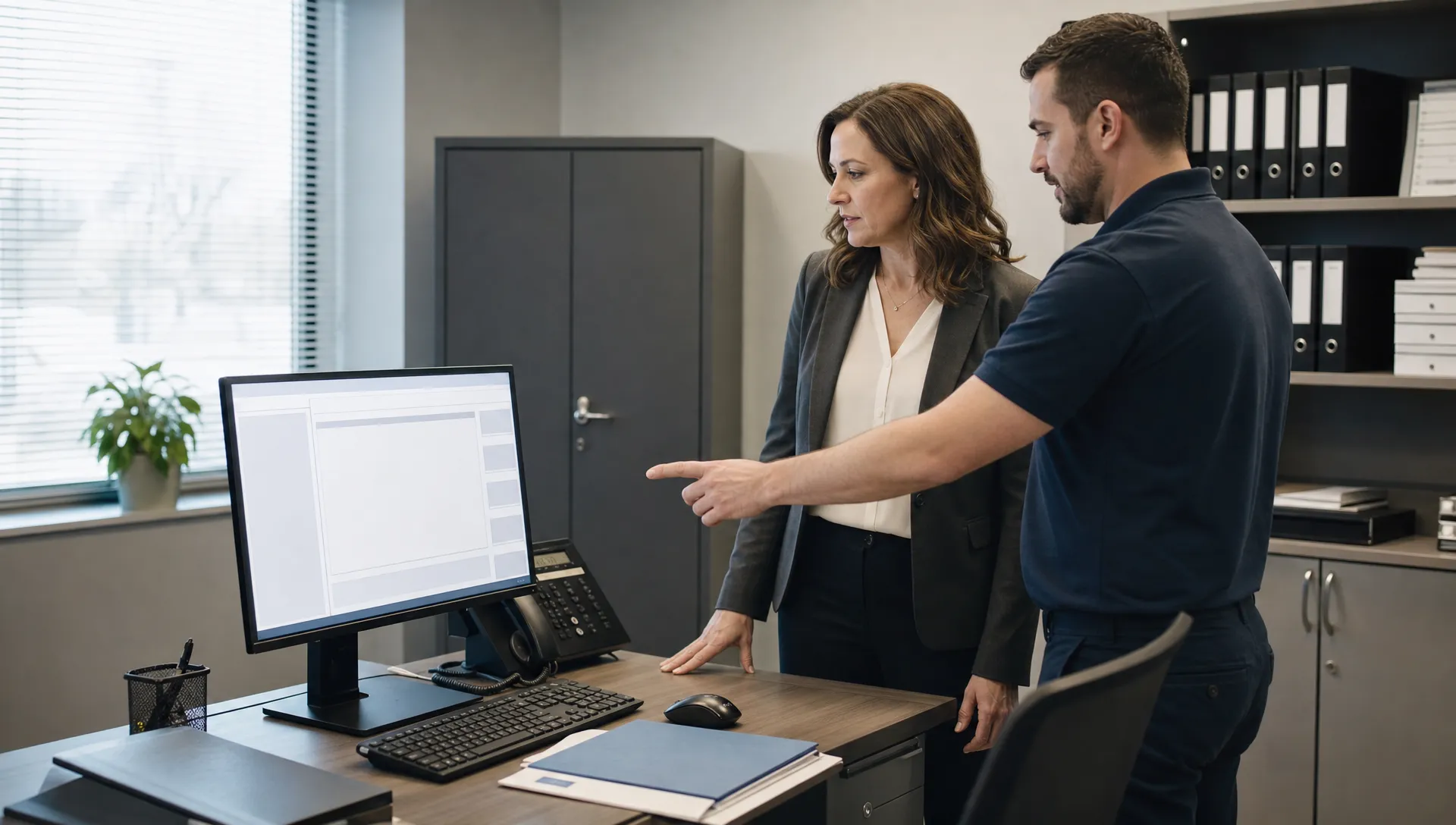
Not every request should receive the same priority. Support teams generally assess the breadth of the disruption, its business impact and how urgently action is needed.
A shared application failure affecting an entire accounting team during a filing deadline may take priority over one employee’s printer problem. A suspected account compromise may require immediate investigation even if only one person is affected. Job title alone should not determine urgency.
Employees can help by describing the impact rather than simply marking every request urgent. “Six shipping employees cannot print labels, and orders cannot leave the warehouse” gives support more useful information than “The printer is broken.”
Business owners should confirm support hours, holiday coverage and the procedure for emergencies outside normal hours. Service level agreements should distinguish response targets from resolution targets, with any exclusions clearly stated. Some fixes depend on replacement equipment, internet providers or software vendors.
An IT service desk should communicate those limits honestly. A prompt response is valuable, but it is not a promise that every problem can be fixed within the same timeframe.
Where support responsibilities begin and end
Employees need to know which devices, applications and locations are covered. Personal computers, employee home internet connections, specialized machinery and unsupported software may fall outside the agreement or require separate approval.
Some systems cross organizational boundaries. A manufacturing application might depend on the company network but require its software vendor to correct an application defect. Support should explain who is responsible and coordinate where the agreement allows.
Physical security creates another useful distinction. Systems such as alarms, cameras and building access control can rely on network connectivity, but equipment servicing and alarm response are separate responsibilities. Troubleshooting a connection does not automatically make IT responsible for those services.
For an IT service desk, clear boundaries should lead to a useful handoff, not a dead end. Employees should receive an explanation of the limitation, the appropriate contact and any next step the support team can reasonably coordinate.
Tools and quality measures that actually help
A ticketing system records requests, ownership, updates and outcomes. A support portal may let employees check status without sending another email. A knowledge base can provide approved instructions for familiar tasks, such as connecting to company Wi Fi or setting up an authorized application.
Automation can route requests or collect basic information. AI may help categorize tickets or suggest troubleshooting steps, but sensitive changes still need appropriate verification and authorization. Businesses should also confirm how support tools handle company information. Not every organization needs every capability.
Technology is useful only when it improves the experience. The IT service desk should be evaluated on more than how quickly it acknowledges a ticket. Owners should review resolution times by issue type, repeat incidents, reopened tickets and employee feedback. Averages alone can hide a handful of unresolved problems that repeatedly interrupt important work.
For example, fast password resets are helpful, but repeated account lockouts may point to an underlying configuration problem. Reporting should show whether support addresses that cause. Looking at how help desk support affects employee productivity helps connect these measures to the work employees need to complete.
Frequently asked questions
Should employees call or submit a ticket? Use the organization’s published procedure. A portal or email may suit routine requests, while widespread outages or suspected security incidents may require a call. Employees should know the urgent reporting channel before they need it.
Can employees request software or account access directly? They can usually submit a request, but installation or access may require approval. Support should verify licensing, security requirements and authorization before making the change.
What should an employee do after clicking a suspicious link? Report it immediately through a known support channel and describe what happened, including whether credentials were entered. Do not approve unexpected authentication prompts or delete relevant messages before receiving instructions.
Does every support team provide around the clock coverage? No. An IT service desk may operate during business hours, offer limited emergency coverage or provide broader availability. Owners should verify the actual agreement and make those hours clear to employees.
Make support expectations clear before problems happen
A practical next step is to give employees a short support guide covering contact methods, reporting details, urgent incidents and support hours. Review it during onboarding and whenever procedures change.
For Southern California businesses reviewing their support arrangements, VM Tech provides managed IT services, cybersecurity and Microsoft 365 support through an entirely United States based team, with no outsourced help desk or overseas support. Discuss your employees’ needs and confirm the scope and communication expectations before selecting an arrangement.